Hiding sensitive information when the screen loses focus with React
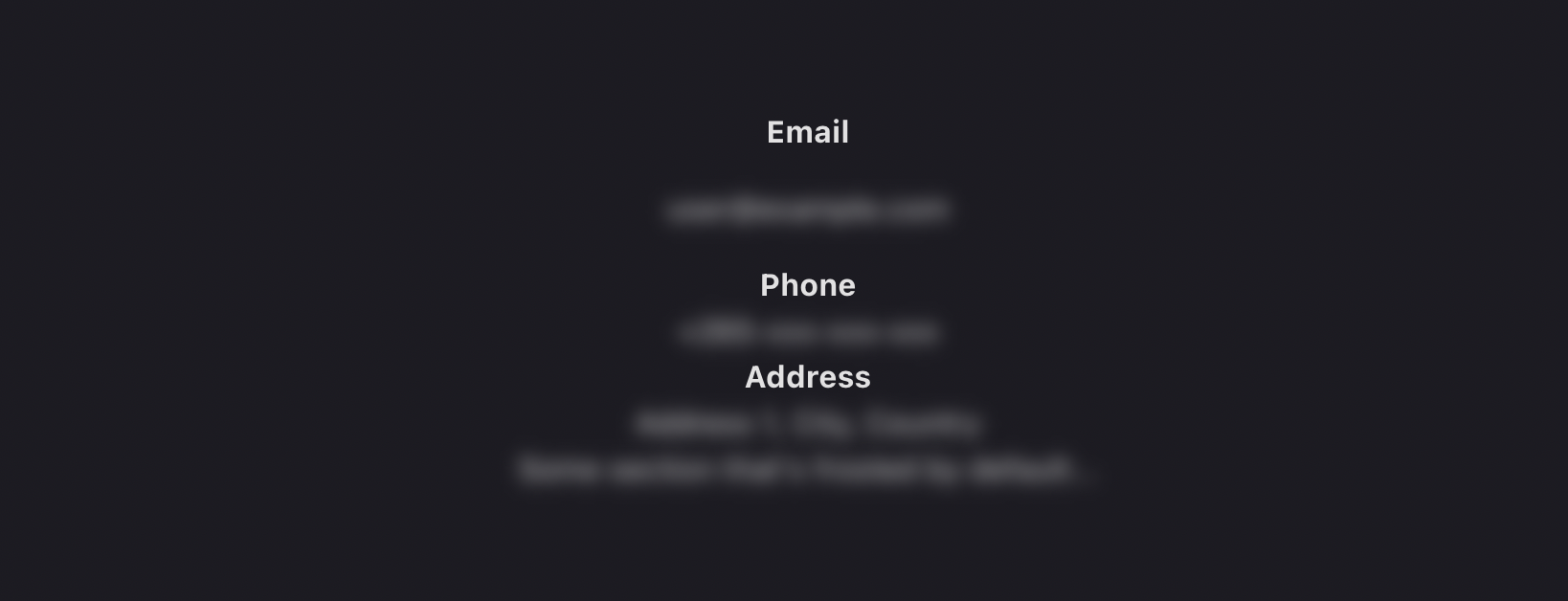
I don't remember what prompted me to think of this, but basically, I was uncomfortable that sometimes people leave their screens unlocked with potentially sensitive information displayed on their screens. As a developer, I set out to think of a solution that could address this.
Although I appreciate that it will most likely not be implemented in a lot of places it did give me an excuse to try something sort of new to me; I had never built a standalone React library, so it was a good excuse to finally do that.
Enter react-frostedglass
You may forgive the corny name. react-frostedglass is a React library that enables developers to hide potentially sensitive information when the window is not in focus.
It uses a Layout Effect to apply a blur to components when the window/tab is not in focus. Of course, this does not apply to all the components automatically, rather you as the user of the library have to wrap your components in a FrostedContext provider and use the "frosted" variants of common HTML components.
Example Usage
Let's create a simple react project with Vite to see how the library can be used, first create a Vite project and then install the library using the following commands:
$ npm create vite@latest app -- --template react

$ cd app

$ npm install https://github.com/zikani03/react-frostedglass.git
Once that is done, replace the App.jsx with the following content:
import { useState } from 'react'
import { FrostedContext, useFrostedEffect } from '@zikani03/react-frostedglass'
import './App.css'
import Account from './Account'

function App() {
  const focusCheckInterval = 500;
  const [blurSize, isFrosted] = useFrostedEffect(focusCheckInterval, '0.3em')

  return (
    <FrostedContext.Provider value={{ blurSize: blurSize }}>
      <Account />
    </FrostedContext.Provider>
  )
}

export default App
As you can see above, we use the useFrostedEffect hook and we pass it two parameters, the interval (in milliseconds) to be used to check if the window is in focus and the size of the blur - a valid value for this is anything you can use in the filter: blur() CSS property.
Now create a new component in a file named Account.jsx. Use the code listed below:
import {FrostedDiv, FrostedSpan, FrostedLabel, withFrost} from '@zikani03/react-frostedglass'

export default function Account() {
    const user = {
        email: 'user@example.com',
        phone: '+265-xxx-xxx-xxx',
        address: 'Address 1, City, Country'
    };

    return (
        <div>
            <div className="field">
                <strong>Email</strong>
                <p>
                    <FrostedSpan>{user.email}</FrostedSpan>
                </p>
            </div>

            <div>
                <strong>Phone</strong>
                <FrostedDiv>{user.phone}</FrostedDiv>
                <strong>Address</strong>
                <FrostedDiv>{user.address}</FrostedDiv>
            </div>

            <section {...withFrost({ blurSize: '0.3em' })}>
                Some section that's frosted by default...
            </section>
        </div>
    )
}
As you can see above, the Account component uses FrostedDiv, FrostedSpan for the content that we want to blur when the window is out of focus
Let's see how Frosted components look
We can now run the development server to see how all this looks in action
$ npm run dev
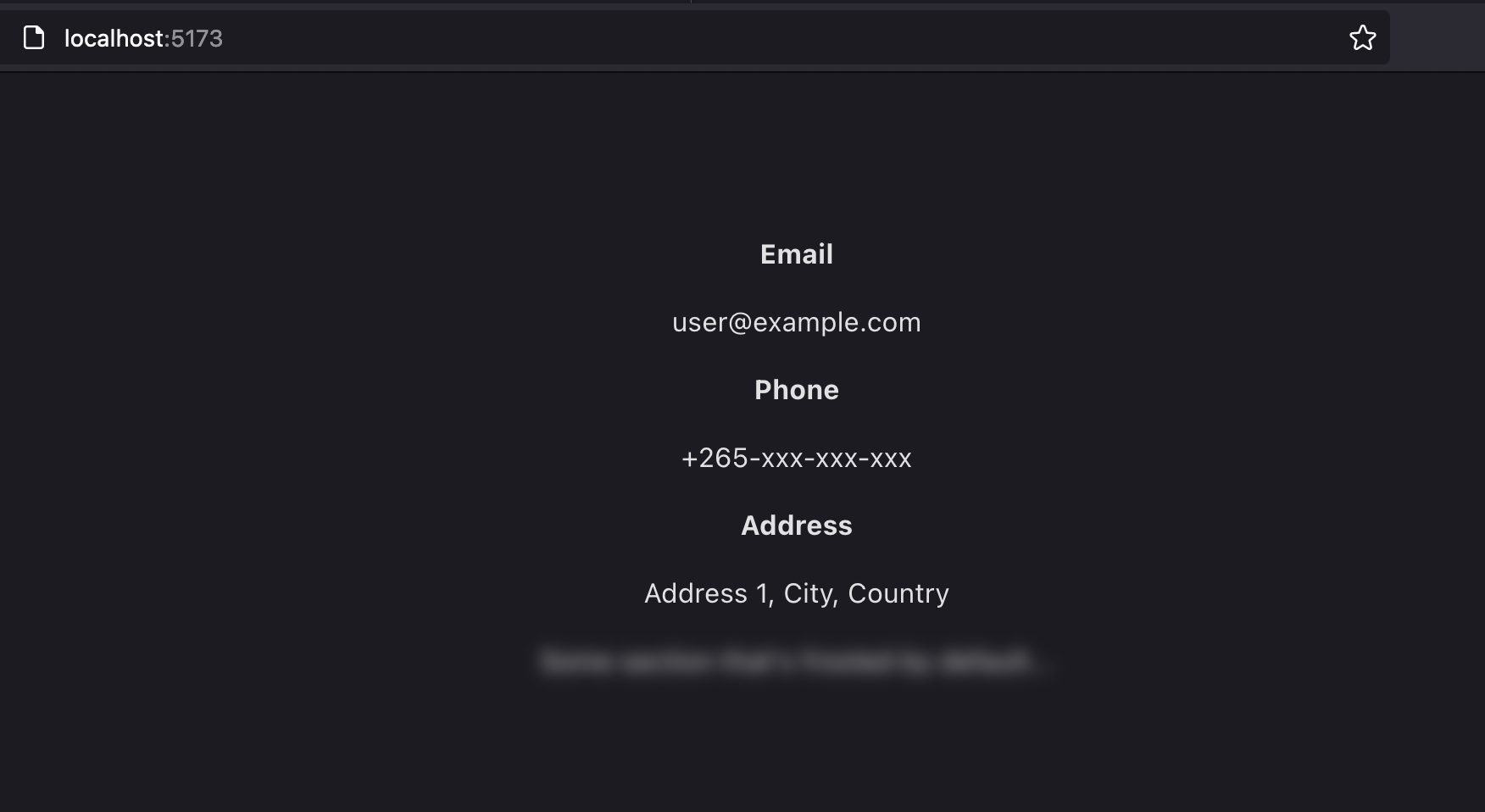
When we focus on the page we will see everything displaying as normal, except the section element we set to be blurred by default:
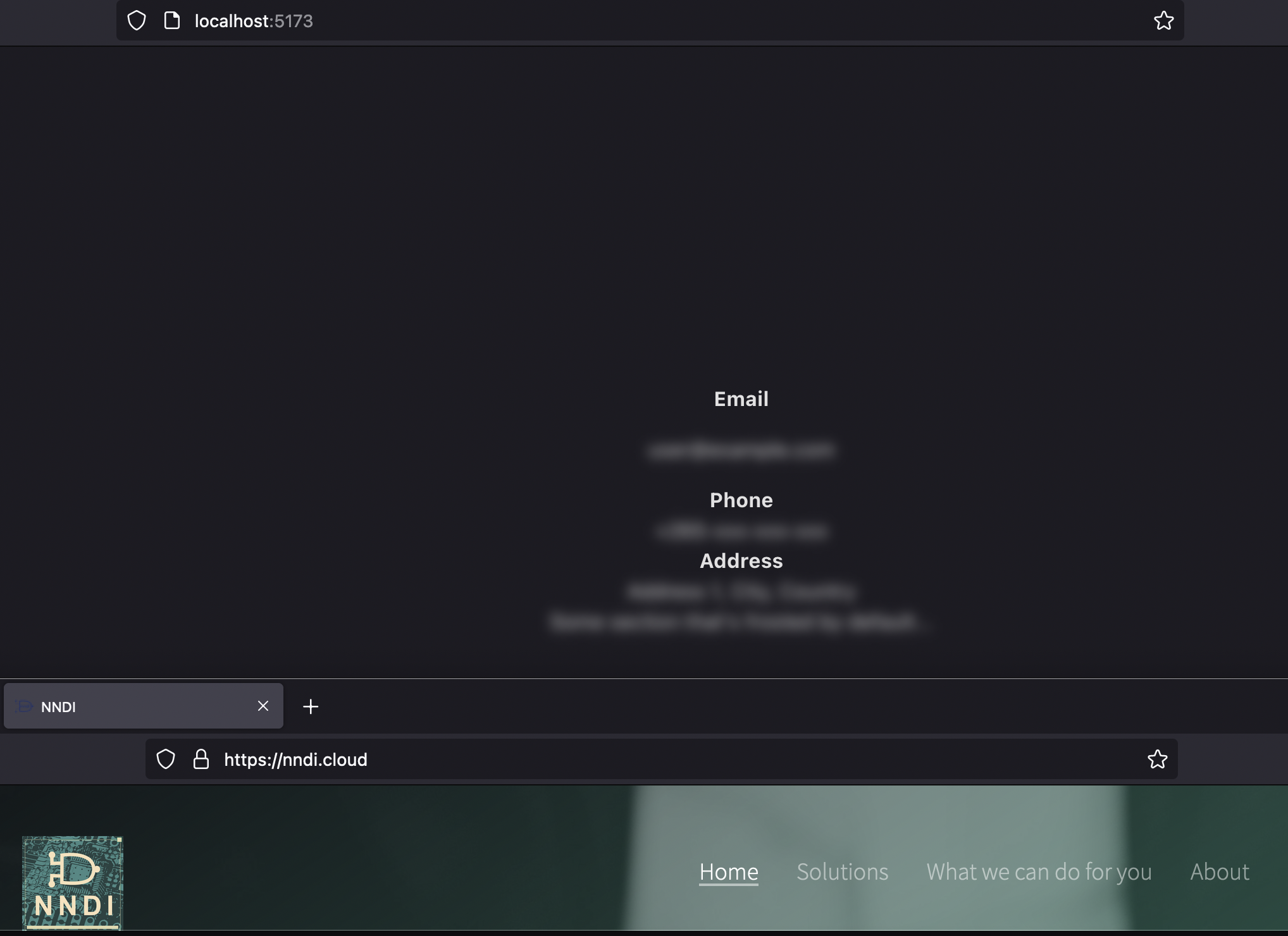
Now try opening or focusing on another window and you will observe that the elements become "frosted". How cool is that? 🥶
Using the library
As of the time of writing, I have not published a package to NPM. So if you want to use the library you can install the module directly from GitHub using npm
npm install --save https://github.com/zikani03/react-frostedglass.git
Observations and lessons learned
As mentioned previously, one of my objectives was to learn or at least figure out how to go about creating a standalone React library from scratch. I am glad I was able to accomplish that and here are a few observations:
Coming up with a nice API/library surface is not always easy, I enjoy creating developer tools and although I have written a few libraries in various languages I was reminded that picking the right abstractions, and naming things (functions, class etc...) requires lots of thought.
I came to appreciate the use of Context Providers and Layout Effect hooks better
I was able to configure Vite for building the library "from scratch", that is without depending on a template repository or some kind of boilerplate.
Related to the point above, I was able to customize the TypeScript compilation options - of course, I had done this before for another JavaScript library I built (you should check that out too, by the way!)
Conclusion
In this article, we have seen how you can use react-frostedglass, a React library I created, to blur components when the screen loses focus. Although this might not be the most practical approach to the problem, it did allow me to figure out how to publish a standalone React library and appreciate the process of building one.
Thank you for reading.